What is a client?
A Client in Operating is a customer company you do billable work for — the entity that groups a customer's projects, invoices, and revenue together.
Written By Lauri Eurén
Last updated 2 months ago
A Client in Operating is a customer company you do billable work for. Every billable Project belongs to a Client, so the Client is how Operating groups a customer's projects, invoices, and revenue together.
What a Client holds — a Client owner (the Person responsible), contact details and address, a VAT ID, and Tags for grouping in reports. You add the name and owner when you create it; the rest you fill in on the Client's page afterward.
VAT ID — the VAT ID sits in the Properties row on the Client's page, beside the client number and the owner. Click VAT, type the number, and save. It shows Not set while it is empty, and only people who can edit the Client can change it. The VAT ID is also on the public REST API: you can read it, set it when you create or update a Client, and clear it by sending an empty value. The MCP tools that AI assistants use have the same field — list_clients returns the VAT ID, and manage_client sets it or clears it.
Client vs. Company (opposites, easy to confuse): a Client is the customer you bill; a Company is one of your own legal entities that issues the invoice. A billable Project has a Client and belongs to a Company.
Internal clients — a Client marked Internal can only have non-billable Projects; use it to organize internal work without mixing it with real customers.
Links to records in other systems — when a Client is connected to a record in your CRM or accounting system, the Client's page shows a Links row with that record. The row only appears when at least one record is linked.
Each record shows the icon of the system it came from and its name. Hover over it to see the full name, the source system, and the external id.
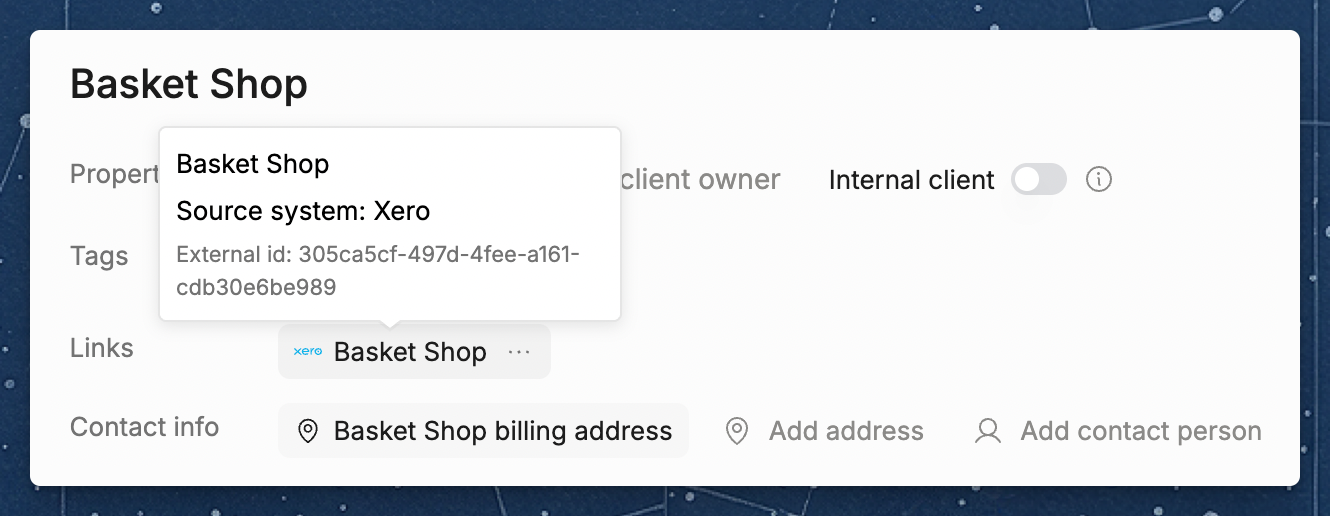
When several external records point at the same Client, the row shows one item with the count, such as 2 clients. Click it to see them all.
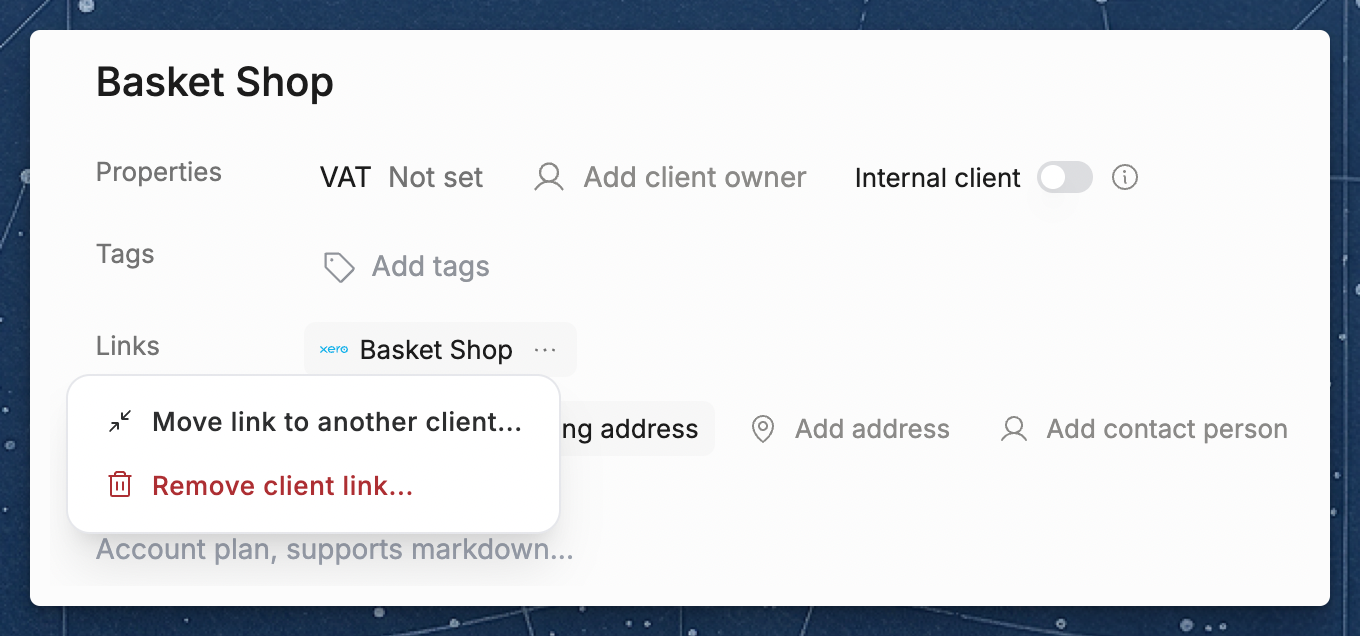
If your permissions let you edit Clients, each record has a … menu with two actions:
Move link to another client — pick a different Client in Operating, and the external record links to that one instead.
Remove client link — break the link between the Client and the external record. Nothing changes in the external system. If you run a data refresh later and the record is still there, Operating brings it in again as a new external client that is linked to nothing.
Was this helpful?
Still need help? Ask the team