Internal and non-billable work in Operating
Use internal and non-billable work to distinguish between client projects which bring in money and internal work.
Written By Mikko Karjalainen
Last updated 23 days ago
Overview
There are three main ways to set up internal work in Operating:
Define roles and assign non-billable people – Roles can be set as non-billable, and individuals assigned these roles will be considered non-billable.
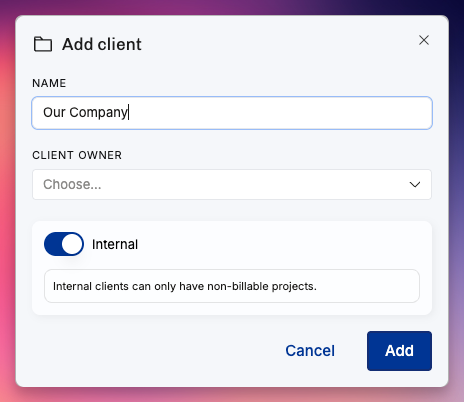
Create internal clients – Any project under an internal client is automatically non-billable.
You can edit whether a client is internal on the client detail page (More → Clients) — toggle the Internal client switch in the Properties section of the Overview.
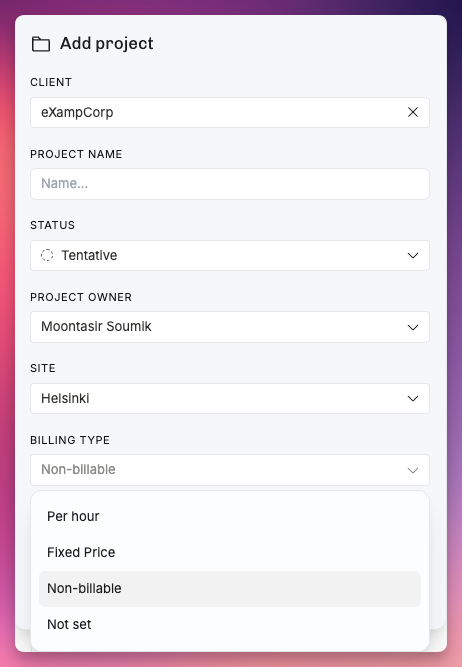
Define non-billable projects – Projects can be marked with the billing type non-billable even if they belong to billable clients (e.g., for long-term sales projects).
All projects under internal clients are automatically non-billable, but non-billable projects can also be created for billable clients.
Setting up non-billable roles
You can define specific roles to be non-billable in settings:
When creating or updating a role, check the “non-billable” checkbox to make the role non-billable.
Setting up non-billable people
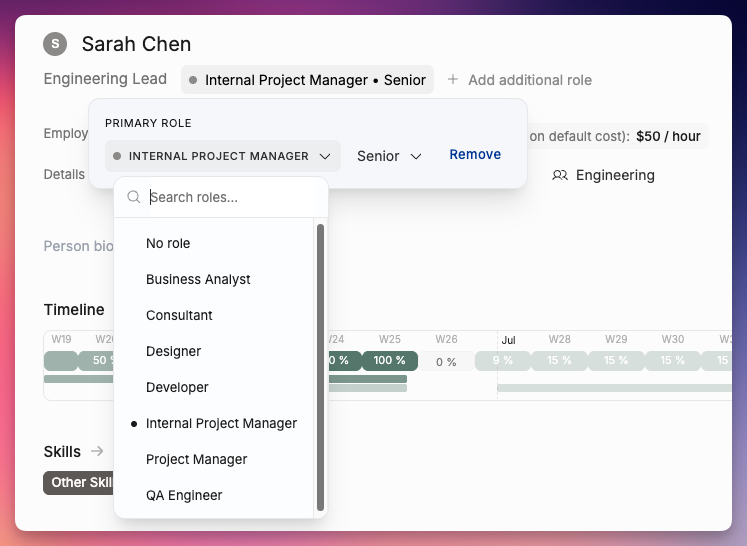
Setting the primary role of a person to be a non-billable makes them non-billable.
Open the details view for any person in Operating
Set the primary role of the person to be a role that has been defined as non-billable
Creating internal clients
You can define clients as internal when you create them on the Clients page.
Creating internal projects
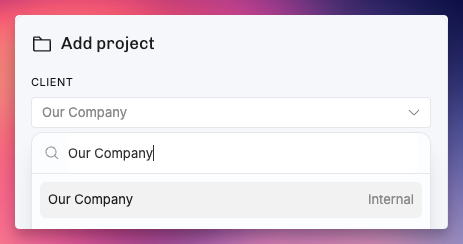
You can create internal projects by choosing their client to be an internal client when creating the project.
Creating non-billable client projects
You can create non-billable projects that are still linked to a client by defining the billing type of the project to be non-billable when creating the project.
Was this helpful?
Still need help? Ask the team